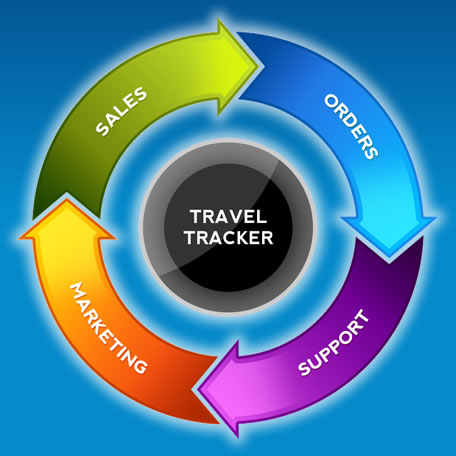
Operations are continually challenged with balancing the processes and costs needed to deliver superior, differentiated customer experiences.

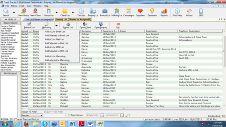
Your Client database is not just a list of clients it is the most valuable asset an agency has.
All automation is in one place making it easy to pull up travellers who have booked a trip or enquired about a specific destination. "One Single Big Database benefit"
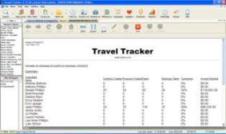
This page presents a visual summary of the sales person's sales environment. The recent opportunities, activities, contacts are all displayed. A graphical "funnel" representation of your sales pipeline is represented. New leads flowing into the system are also visible.
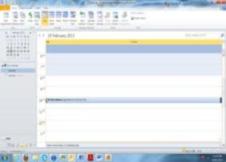
Tracker CRM integrates to Outlook and most web-based (such as Gmail) email and calendaring software.
When an appointment is created in Tracker CRM related appointment is created in your Outlook program.
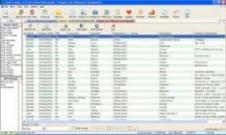
Use the Opportunity Tracking functions to manage new business acquisitions. Define your own sales process for tracking the progress of your sales pipeline. The system generates a new business Report based on enquiries versus bookings and dollar value. This also allows you to direct market to the clients needs
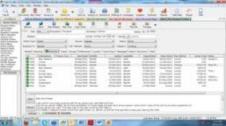
Stores Client File notes leaving little room for error or Litigation
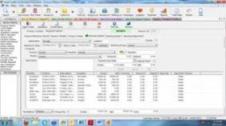
Use this function to generate customer quotations. This function is a great productivity booster for a sales person as it achieves 3 processes from one input. Firstly it generates the quotation document - this can be emailed or printed for the customer., and it generates a quote follow-up activity for the sales person in the activity/Task management function.
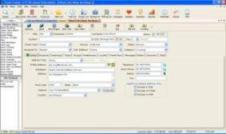
The Companies and Contacts databases can store and manage all your customers and prospects. Companies can be segmented into types, industries, areas and groups. User defined fields allow you to customise the system for your business. Any number of contact people can be stored per customer.
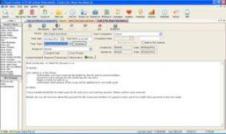
This database stores all new enquiries. They can be imported from lists or from your website. Once actioned and qualified they can be transferred to the company's database for further processing.
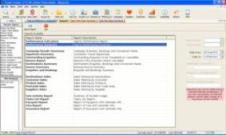
Configure the system to proactively provide you regular statistics on your sales progress. Users can see their own stats and management can receive performance stats on their whole team.
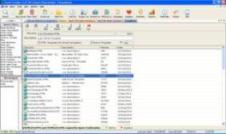
Use Document Management to store all your marketing documentation that your sales team will use to send to customers such as brochures, specifications and pictures. Once uploaded onto the Tracker Crm server, they can be used by your sales team to forward to customers via the Email function of Tracker Crm , or by attaching them to quotations prepared in Tracker Crm.
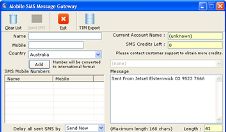
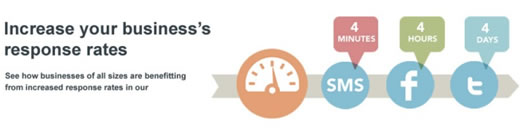
Use SMS reminders to remind people about appointments, events, payments and any relevant information.


Australia.
Phone : (+61) 03 9646 2056